Introduction
Before you can start using your new Mango Mail address, you’ll want to set up your account with a mail client. In this case we will be using the BlueMail mobile app, but the same steps can be applied to other mail clients.
Prerequisites
- Create and set up your Mango Mail account.
- Create a new email address through the Mango Dashboard.
- Download and install the BlueMail mobile app.
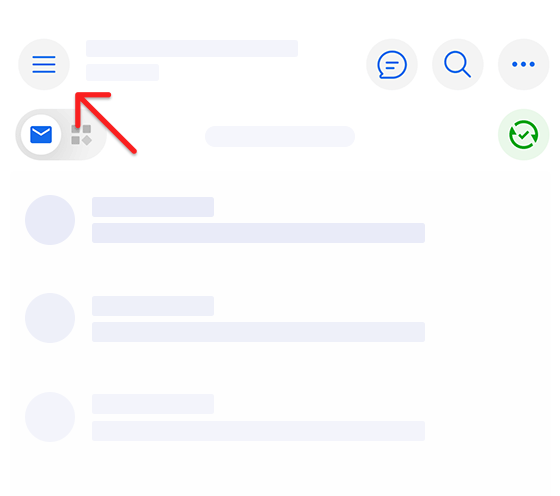
Step 1. Open the BlueMail App and tap the hamburger icon in the top left
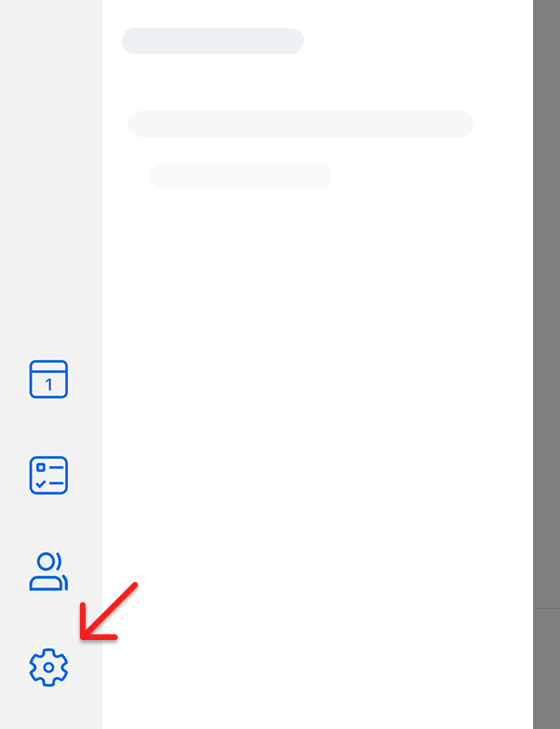
Step 2. Tap the settings gear icon at the bottom of the menu
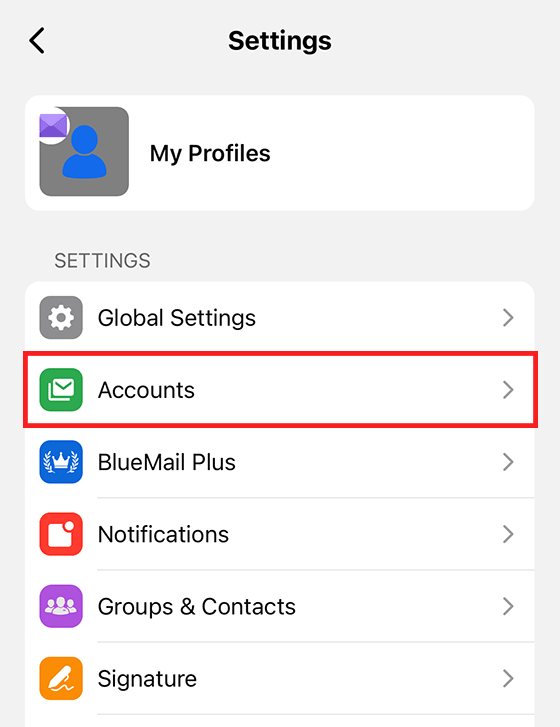
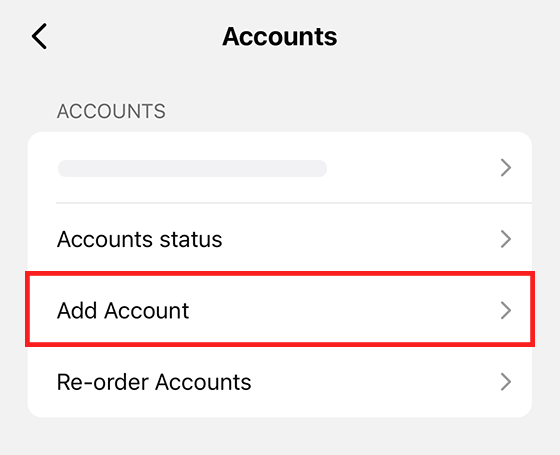
Step 3. Click on "Accounts"
Step 4. Tap "Add Account"
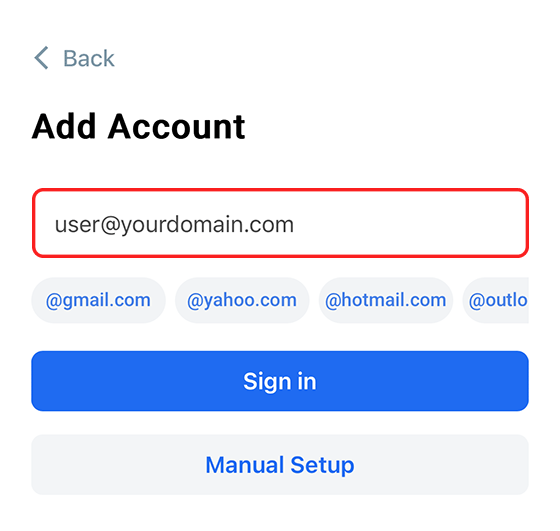
Step 5. Enter your Mango Mail address and press "Sign in"
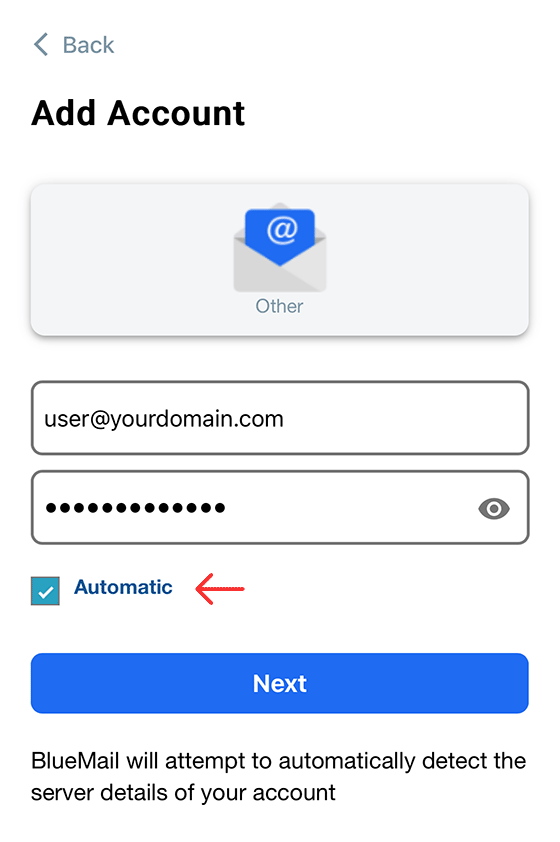
Step 6. Enter the password for your mailbox and check the "Automatic" box
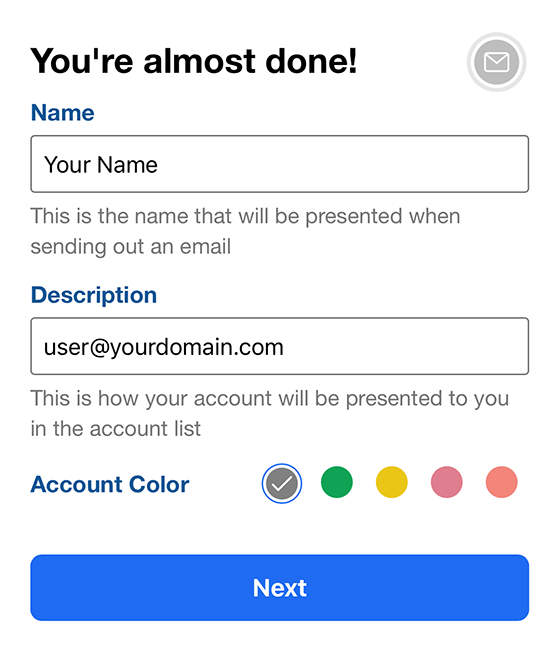
Step 7. Add your name and an optional description, then click "Next"
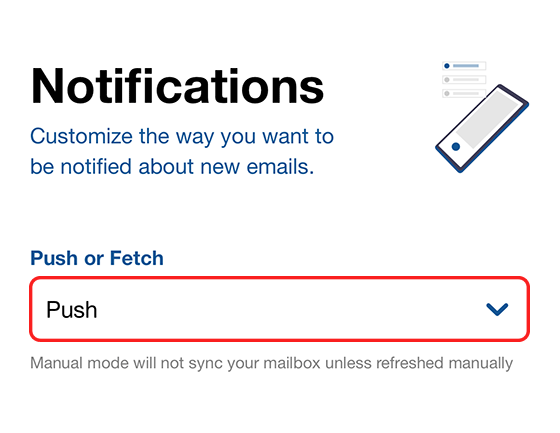
Step 8. Finally, set the notification type to "Push" and click "Done"
Next Steps
Now that you've finished setting up the BlueMail app, you can start sending emails with your new Mango Mail address. You can also set up your Mango Mail address with BlueMail on desktop, the Gmail App, or iOS Mail.